Create your Place
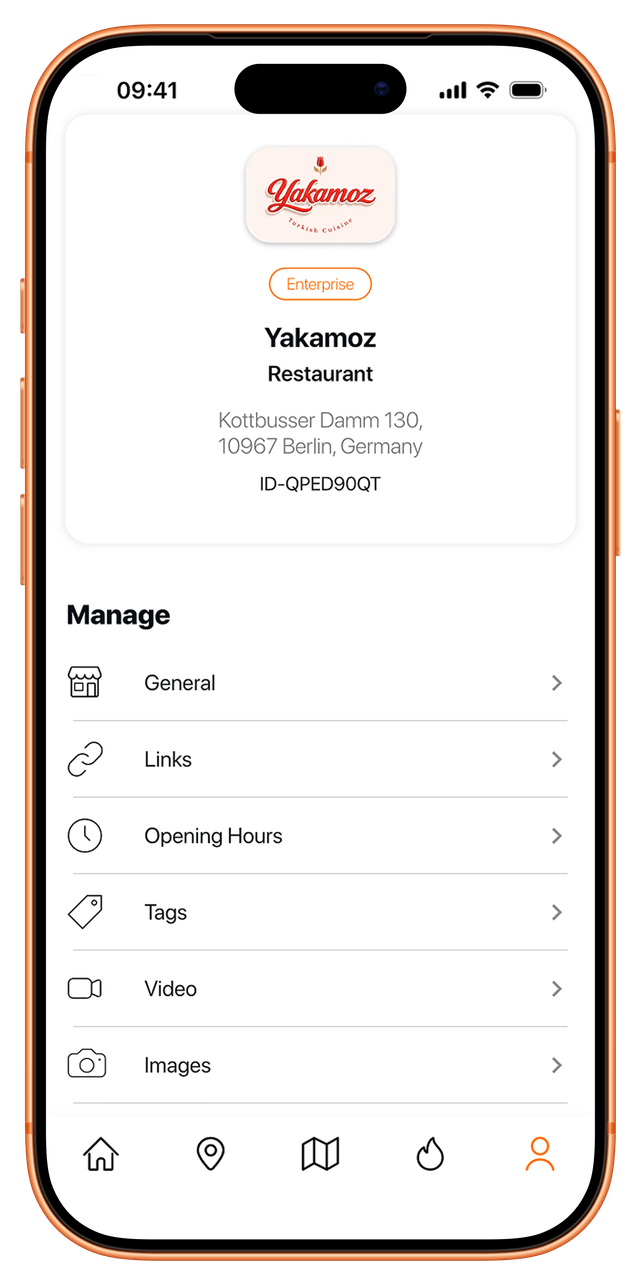
Once you’ve downloaded the app and set up your profile, you can easily configure your place in just a few steps. After your place is successfully verified, you'll be able to choose from different subscription options and make your place visible in the Nearay app.

Create your Place
Create your Place in just four steps in the Nearay App.

Order your starter kit
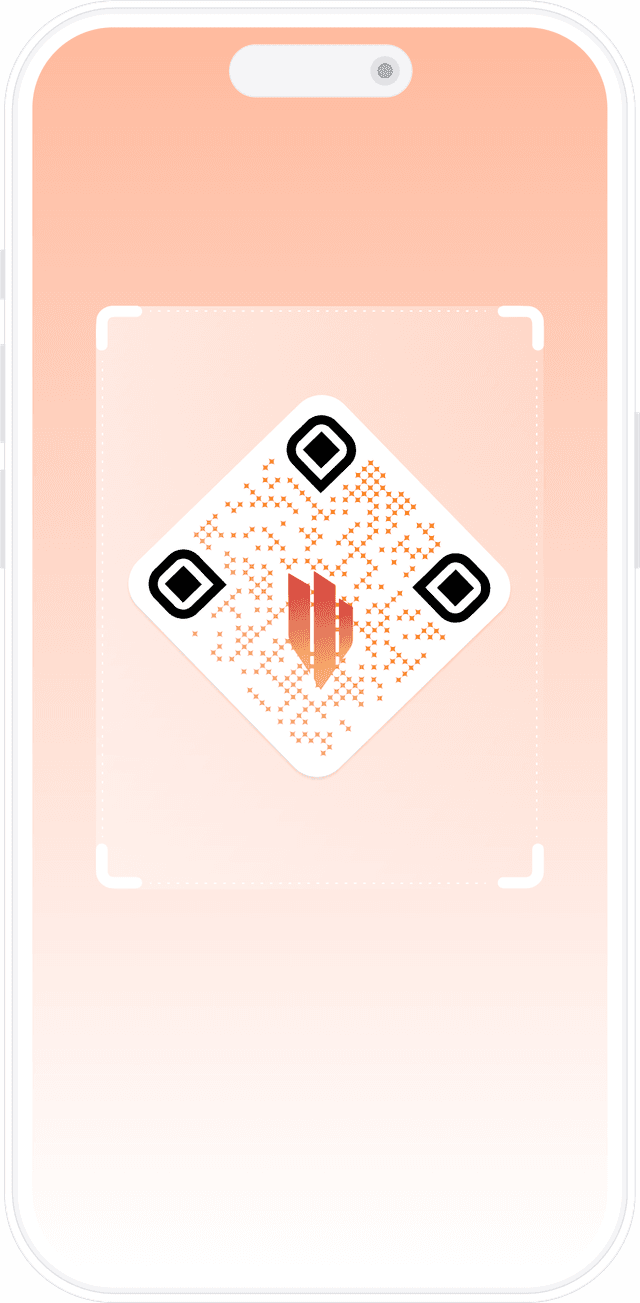
Scan your individual QR code and verify your Place.

Choose your subscription
Choose between Basic, Premium or Enterprise.
Your Place in four steps


1. Set Up Your Place Profile
To create your Place, provide your business name, select a category and subcategory (if applicable). Once verified, your listing will be accessible to customers.
After being published, the place name, category, and address can no longer be changed.


2. Place details
To make it easy for your customers to find you, provide your exact business address, all relevant contact details, and the imprint for your Place.

3. Opening hours
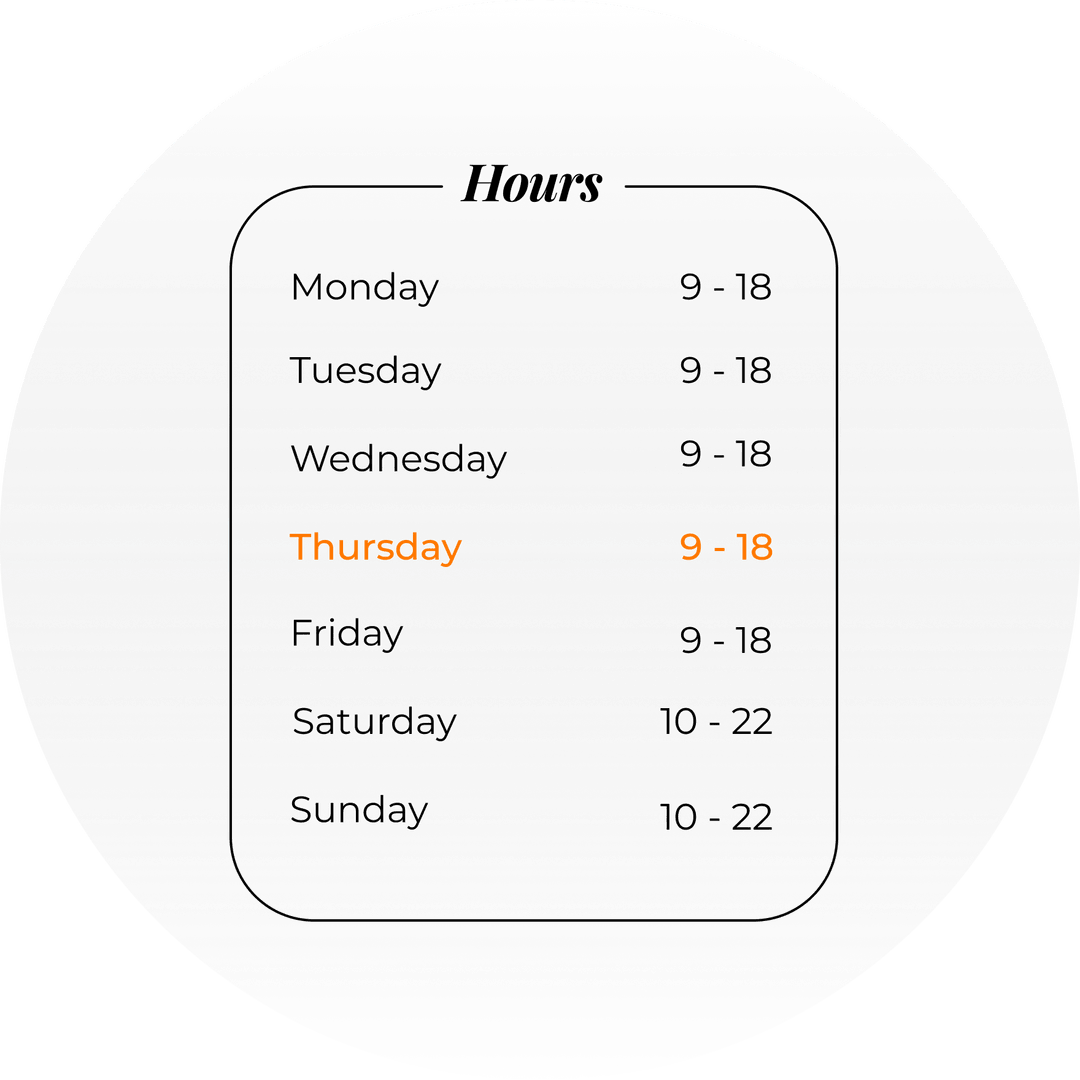
Set your opening hours for this week. They'll be applied to future weeks unless you change them. You can also set specific hours for holidays.
If you want to change your opening hours for the current week, it will be updated for the coming weeks as well.
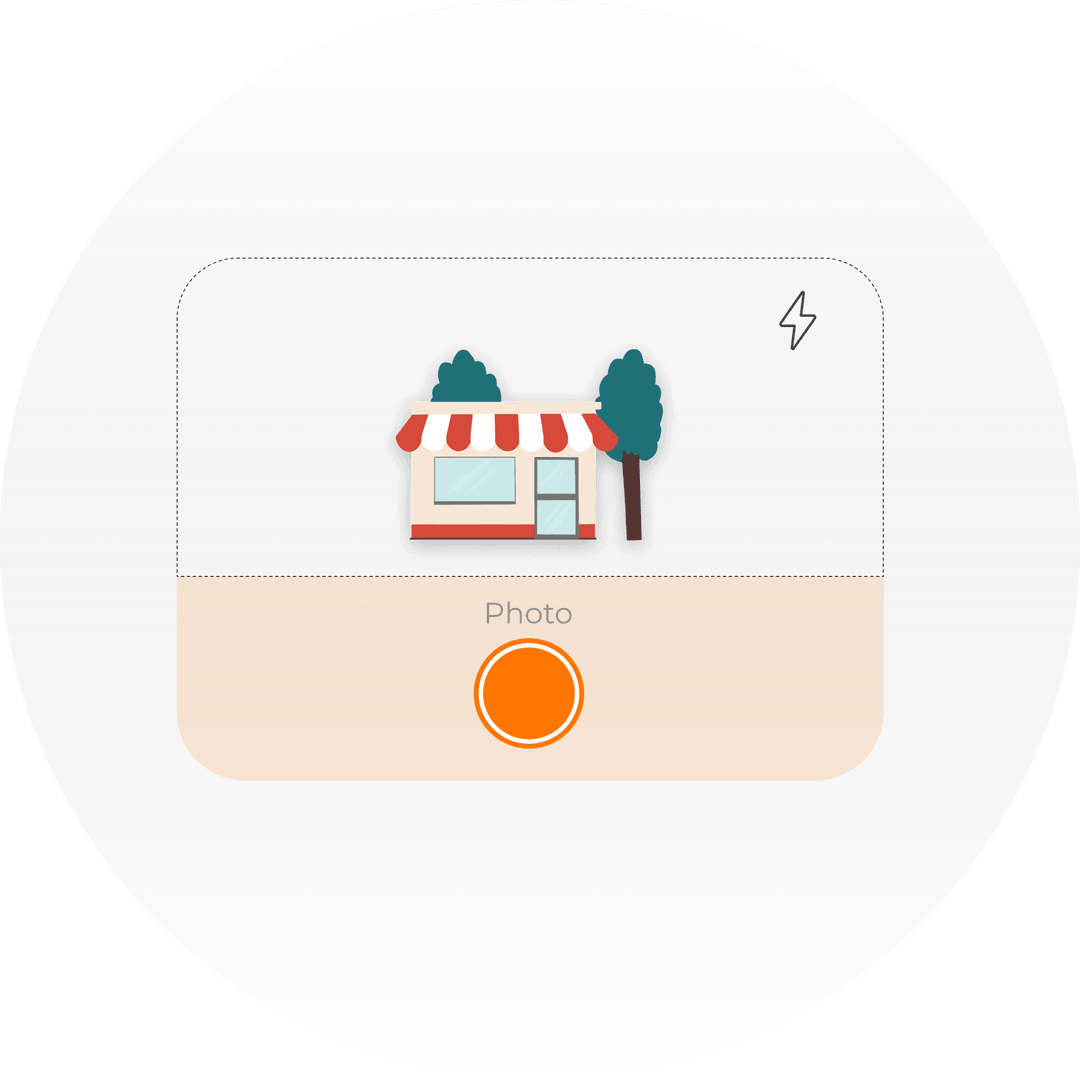

4. Upload images
You can easily upload a header image and additional photos to showcase your Place. Choose a standout header image to make a strong first impression and help your business stand out. Users can browse through your other images in the slider preview.
Verify your Place
1
Order your Starter-Kit
Get your starter kit today through the Nearay app and verify your Place in a few days.

2
Verify your Place
Use the Nearay app to scan your unique QR code and verify your Place. This QR code is for your personal use only.
Overview of your subscription benefits
Select your membership and unlock special benefits. Be the standout in your community. Your plan is fully customizable and can be canceled anytime. Subscribe today!
Basic

Premium
Enterprise
Manage your Place. Anytime.
Account Settings.
Customize your profile data, and add social media links.
Opening hours
Make sure your customers can always find your opening hours.
Adjust them as needed, including for holidays.

Tags
Keep your tags up-to-date for better search results.
Want to add a new tag? Just let us know! We'll review it and make it live.

Image and Logo
Showcase your Place with great images to attract more attention.